1qqq Withdrawal & KYC Guide: Verify Once, Withdraw Fast
Read this guide once and you will know exactly how to complete KYC verification, place a 1qqq withdraw request, and get your winnings into bKash or Nagad — usually within 25 minutes.
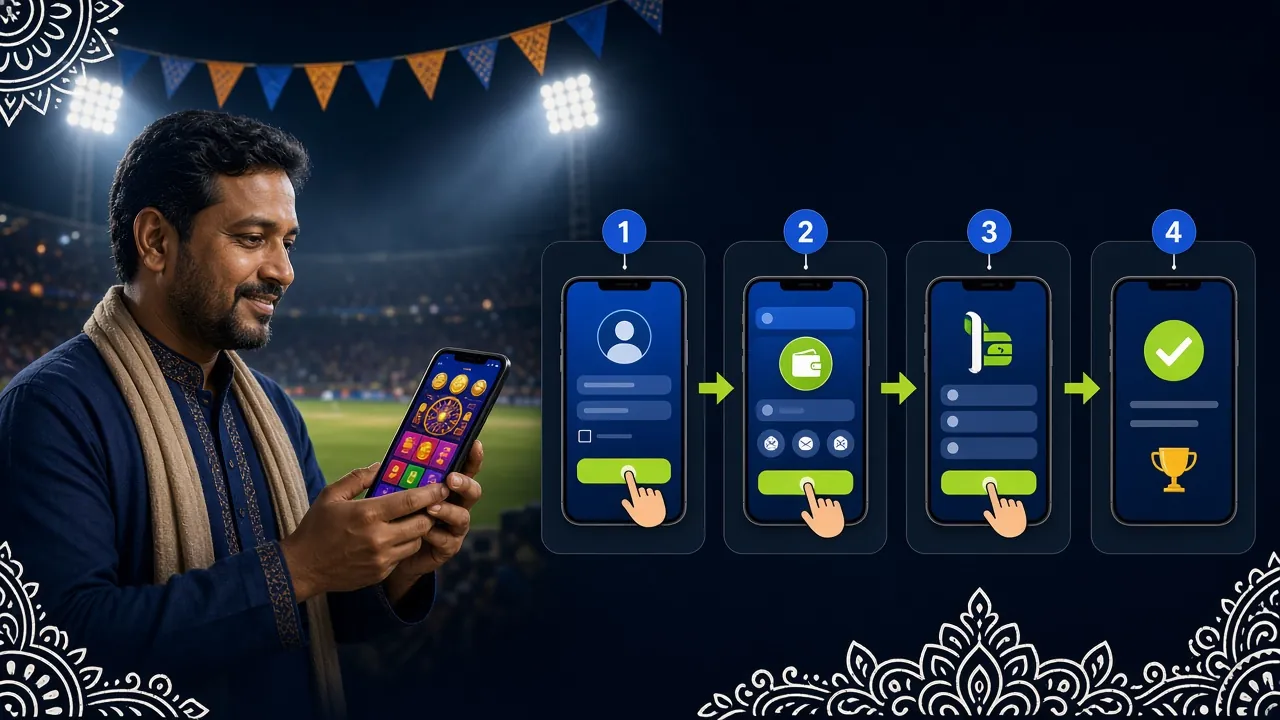
Quick Facts: Limits & Timing
Before going through each step, here are the numbers that matter most for a 1qqq withdraw request. Keep these handy as a reference.
| Item | Amount / Time |
|---|---|
| Minimum withdrawal | ৳700 |
| Maximum single withdrawal | ৳115,000 per day |
| Processing time | ~25 minutes |
| First-time withdrawal (after KYC) | Up to 6 hours |
| KYC document review | Up to 24 hours |
| Payment methods | bKash · Nagad · Rocket · Upay |
KYC Explained: Why It Exists and When It Applies
KYC stands for Know Your Customer. It is an identity check that 1qqq requires before your first withdrawal — not before you can play or deposit. The process confirms that your registered name matches a government-issued ID, which protects your account from unauthorised withdrawals.
You only complete KYC once. Once your documents are approved, the status is permanent and no further uploads are needed unless your personal details change.
Accepted identity documents
| Document Type | Accepted Format | Notes |
|---|---|---|
| National ID Card (NID) | Both sides required | Most common, fastest review |
| Passport | Photo page + data page | Must be valid, not expired |
| Driving Licence | Front and back | Issued by BRTA Bangladesh |
KYC Verification: Step by Step
The whole process takes about 10 minutes to submit. Plan for up to 24 hours for the review to complete.
-
1
Log in to your 1qqq account
Go to 1qqq Login and sign in. You need a fully registered account before you can access the KYC section.
-
2
Open Account Settings and find Verification
Tap the profile icon in the top-right corner. Navigate to My Account → Verification. You will see your current KYC status: Unverified, Pending, or Verified.
-
3
Select your document type and upload photos
Choose National ID Card, Passport, or Driving Licence. Upload a clear photo of the front side, then the back (if required). Make sure all four corners are visible and no edges are cropped.
-
4
Upload a selfie holding your ID
Some accounts may require a live selfie where you hold your document next to your face. Good lighting and a plain background make this step quick to approve.
-
5
Wait for the review result
The 1qqq compliance team reviews submissions within 24 hours. You will receive an in-app notification when verification is complete. Once approved, you can proceed to withdraw immediately.
Photo Requirements and What Happens to Your Data
Blurry or cropped photos are the most common reason KYC submissions get sent back. Follow these tips to get it right the first time.
- Shoot in natural daylight or under a lamp — avoid flash glare directly on the card surface.
- All four corners of the document must be inside the frame with a few millimetres of space to spare.
- Text must be sharp enough to read at 100% zoom. If it looks blurry on your phone screen before uploading, retake the photo.
- Do not cover the document number, date of birth, or expiry date with your fingers.
- Accepted file formats: JPG, PNG, or PDF. Maximum file size per image: 5 MB.
- Your document must not be expired. An expired driving licence or passport will be rejected automatically.
How 1qqq handles your personal data
Documents submitted for KYC are stored on encrypted servers and are only accessed by the compliance team for identity verification. 1qqq does not share your ID photos with third parties or use them for marketing. For the full data policy, see the Privacy Policy.
Placing a Withdrawal Request: Five Clicks
Once your KYC status shows Verified, withdrawals follow this sequence every time you want to cash out.
-
1
Go to Wallet → Withdraw
Log in and tap the wallet icon. Select Withdraw from the menu. Your available balance is shown at the top of the screen.
-
2
Select your payment method
Choose bKash, Nagad, Rocket, or Upay. The method you pick must be linked to the same phone number registered on your 1qqq account.
-
3
Enter the withdrawal amount
Type in the amount you want to withdraw. The minimum is ৳700 and the daily maximum is ৳115,000. The system will display your remaining daily limit in real time.
-
4
Confirm the transaction
Review the destination number and amount. Tap Confirm Withdrawal. You will receive an SMS or in-app notification once the request is submitted.
-
5
Receive funds in your mobile wallet
Standard withdrawals arrive within 25 minutes. Your first-ever withdrawal may take up to 6 hours while the final account check runs. All subsequent payouts use the 25-minute timeline.
Limits, Timing and Payment Methods by Channel
Each payment channel at 1qqq has the same deposit and withdrawal speed. The table below summarises the key numbers so you can pick the right option.
- bKash Deposit arrives ~5 min Withdrawal arrives ~25 min Min. withdrawal ৳700
- Nagad Deposit arrives ~5 min Withdrawal arrives ~25 min Min. withdrawal ৳700
- Rocket Deposit arrives ~5 min Withdrawal arrives ~25 min Min. withdrawal ৳700
- Upay Deposit arrives ~5 min Withdrawal arrives ~25 min Min. withdrawal ৳700
Why a Withdrawal Gets Declined — and How to Fix It
Most declined requests fall into a small set of fixable causes. Here is what to check before contacting support.
-
KYC not completed
You must complete identity verification before your first withdrawal. Go to My Account → Verification and upload your documents. -
Amount below the minimum
The minimum withdrawal is ৳700. Any amount below that will be blocked automatically at the submission stage. -
Daily limit already reached
The daily cap is ৳115,000. If you have already withdrawn that amount today, wait for the midnight reset. -
Wagering requirement not met
Bonus funds must be wagered 13× before they can be withdrawn. Check your bonus status in the Promotions section. Only your real-money balance is freely withdrawable at any time. -
Phone number mismatch
The mobile wallet number you entered must match the number on file in your 1qqq account. If you recently changed your number, update it in Account Settings first. -
Insufficient account balance
Make sure you are requesting an amount that does not exceed your available real-money balance shown in the wallet.
If none of the above applies, contact 1qqq Live Chat (available 24/7) with your withdrawal reference number. The team can usually resolve the issue within a few minutes.
Answers to the Questions Players Ask Most
Do I have to complete KYC before making a deposit?
How long does the first withdrawal usually take?
Can I withdraw to a different bKash number than the one I used to deposit?
What happens if my KYC documents are rejected?
Can I withdraw winnings from a bonus before meeting the wagering requirement?
Is there a fee for withdrawing from 1qqq?
Can I cancel a withdrawal request after submitting it?
What is the maximum I can withdraw in a single day?
Ready to open your account?
Create a 1qqq account, make your first deposit from ৳100 via bKash or Nagad, and claim a 100% welcome bonus up to ৳9,500. KYC takes just a few minutes.